Vocabulary
It knows the exam.
Pocket depths, bleeding on probing, recession, mobility, furcation, calculus. Say them the way you already say them to an assistant.

Alta Voice Perio
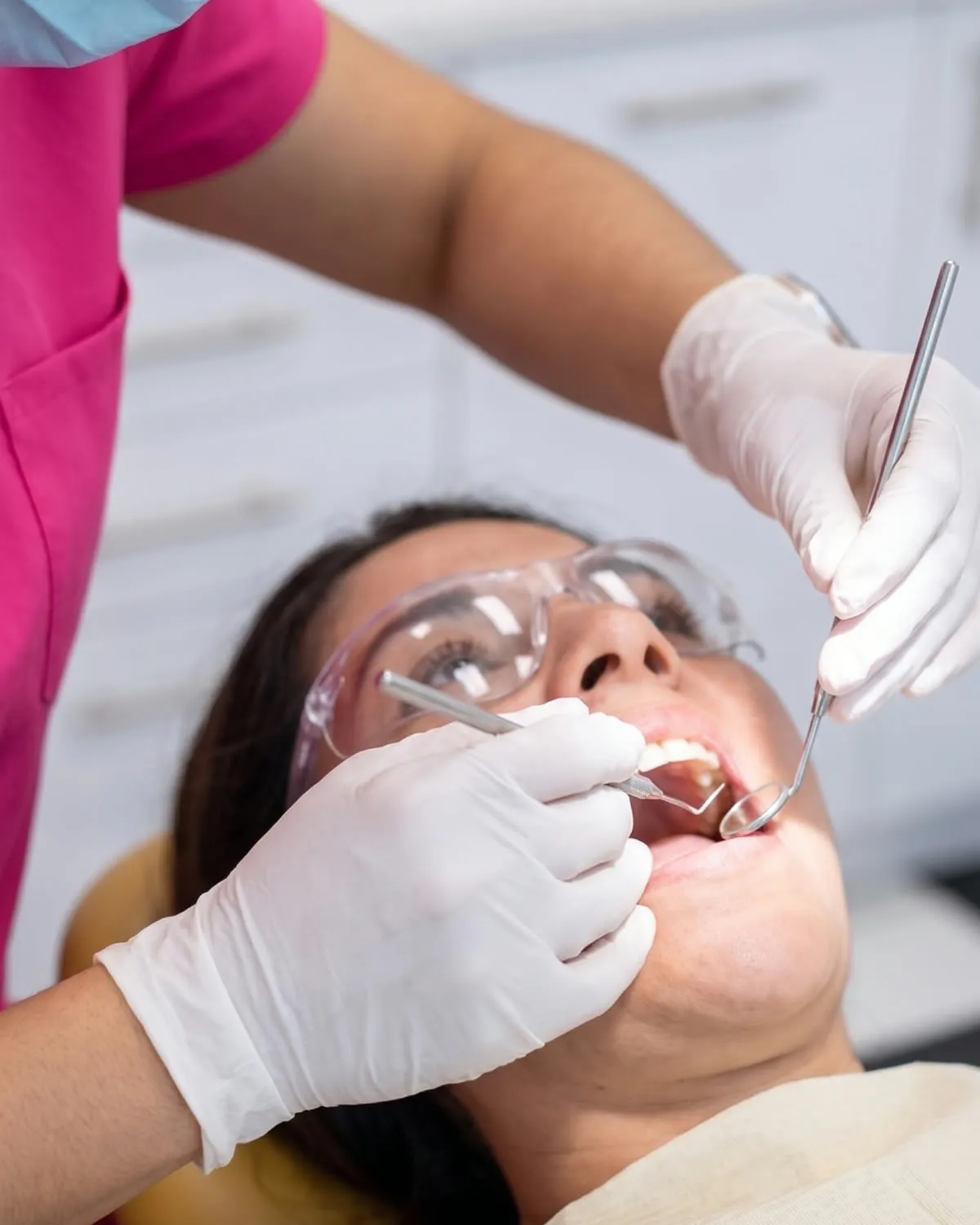
Speak pocket depths, bleeding and recession. Alta Voice charts the findings. Your hands stay on the exam.
I can chart hands-free, stay focused on my patient…Denise · Dental Hygienist · Family Smiles
Call the findings as you probe. Follow the active tooth and site, correct an entry when you need to, and review the finished chart.
01
Open the chart and confirm the patient, active tooth and site before you begin.
02
Pocket depths, bleeding on probing, recession, mobility and calculus. Follow the entries on screen. Say a correction and it's fixed.
03
Check the measurements, complete the chart, then send it to your practice software. We confirm the steps for your software and version in the demo.
Alta Voice does dental and nothing else. It is trained on masks, suction and operatory noise.
Vocabulary
Pocket depths, bleeding on probing, recession, mobility, furcation, calculus. Say them the way you already say them to an assistant.
Navigation
The chart tracks where you are, so you call numbers, not tooth positions. Attachment loss is worked out for you and bleeding sites are counted.
Control
Say the number again and it's fixed. You review the completed chart before anything leaves the screen.
Turn the chart into a 3D view and a plain-language report, with a preliminary stage and grade for you to review.
…a patient getting their whole hour is very valuable because they feel like I am paying attention to them.Emily Mae · Dental Hygienist
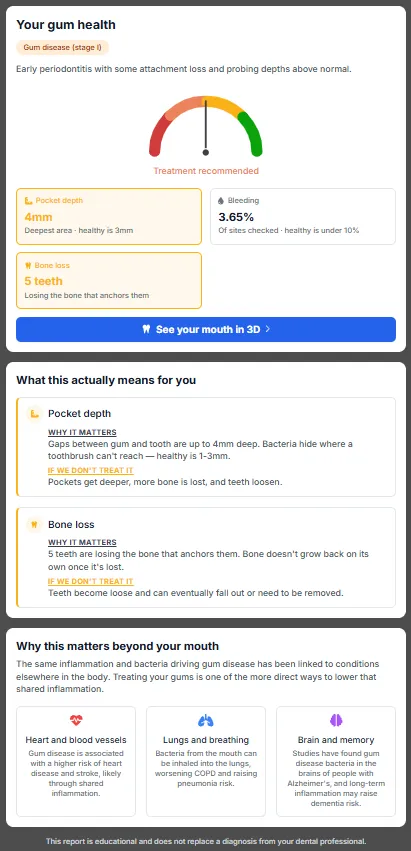
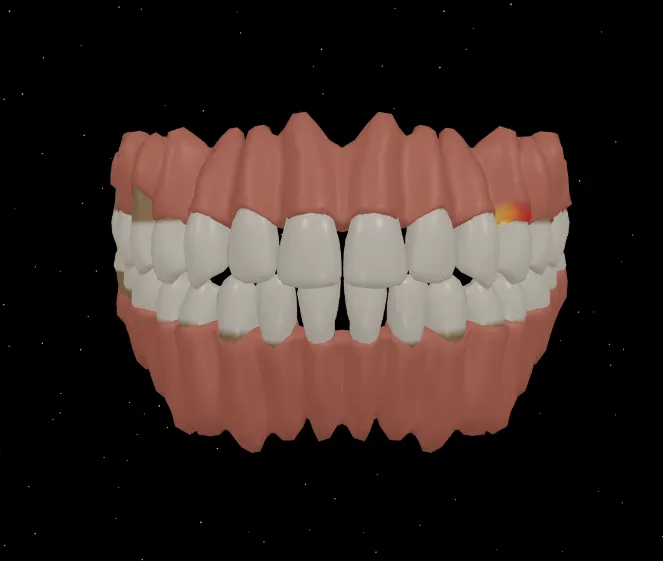
Review the chart, then send it to the practice software your team already uses. We'll show you the steps for yours in the demo.
Most practices are charting by voice after a single onboarding session. The microphones are included: cordless, magnetic, clipped at your collar.
Real practices. Exact quotes.
“I chose to make the financial investment myself.”
“We ran another system for years and it never got easier. AltaVoice had perio charting simple inside a week, and the support has been as good as the product.”
“As a hygienist, every minute matters, and Alta Voice gives me more time to focus on what matters most—my patients.”
Yes. Ask to walk through a realistic exam: the active site, moving through the chart, making a correction, stopping, and reviewing the result.
A 3D view of their own gums and a report in plain language. You review the preliminary stage and grade first.
Most practices are charting by voice after a single onboarding session. The microphones are included.
See Notes, Perio and the patient report with your team's questions on the table.
Book a demo